Check the underlying internet
A VPN still needs a working internet connection. If Wi-Fi or mobile data is down, the VPN cannot create a useful route.
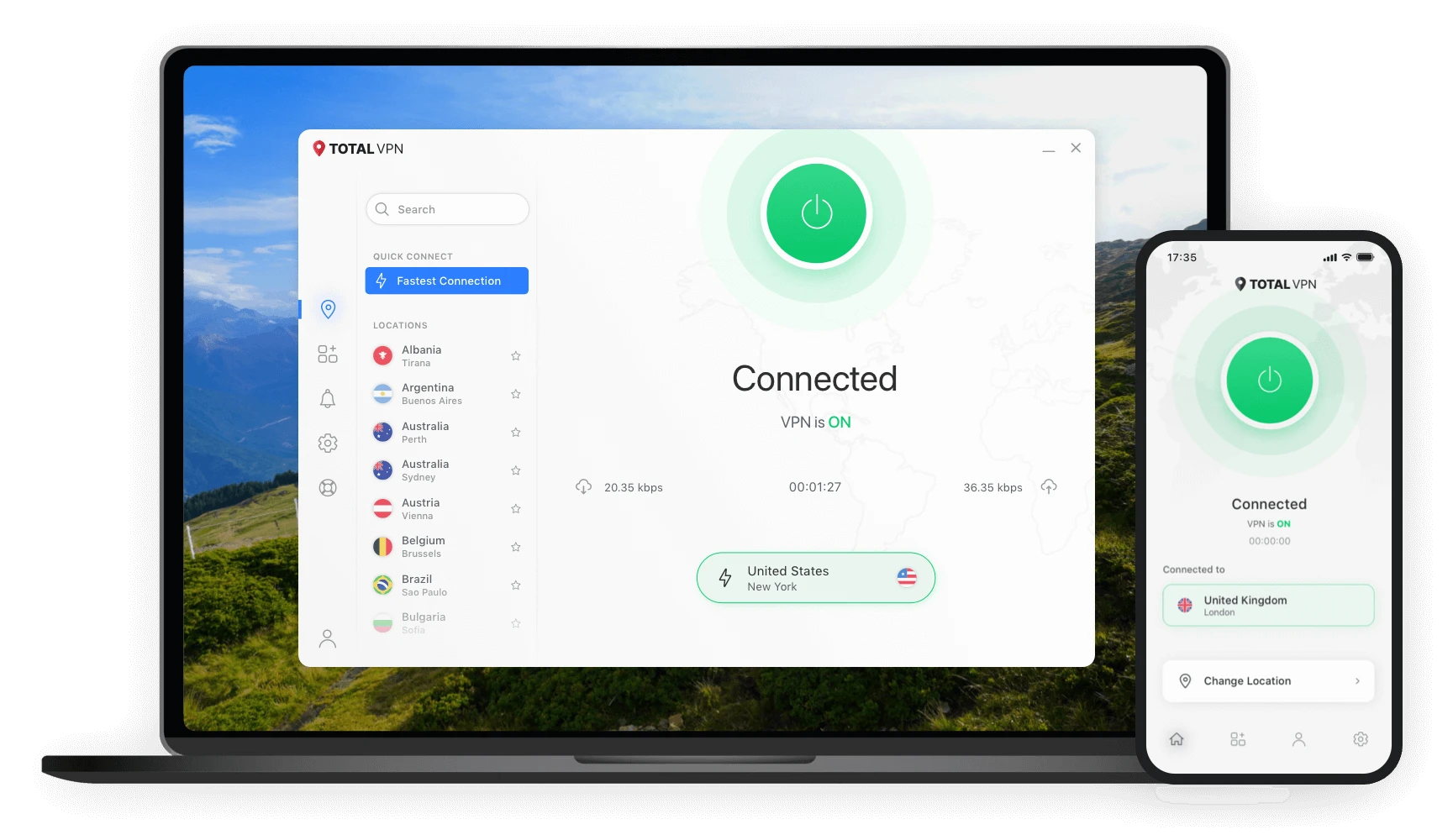
Total VPN works by creating an encrypted VPN tunnel between a supported device and a VPN server. A typical user installs the app, signs in, selects an available connection location, and turns the VPN on. While connected, supported internet traffic is routed through that VPN connection until the user disconnects or a setting changes it.
Confirm the current plan, account requirements, device compatibility, and terms on the destination website.
Use the provider’s official path for your compatible operating system rather than an unverified download mirror.
Open Total VPN and enter the account credentials associated with your access.
Choose an available VPN location or supported quick-connect option and activate the connection.
Without a VPN, your internet traffic follows the route provided by your local network and internet provider. When a VPN connection is active, supported traffic is sent through an encrypted tunnel to a VPN endpoint before continuing to its destination.
This can reduce the amount of readable network traffic visible to parties on the local connection. However, it does not stop websites from recognizing accounts, cookies, fingerprints, or other identifiers.
A VPN still needs a working internet connection. If Wi-Fi or mobile data is down, the VPN cannot create a useful route.
If a network blocks or disrupts one connection method, another supported protocol may behave differently.
Encryption and routing can affect latency or speed. Real-world performance depends on many variables.
Current setup instructions include signing in with account details, so users should expect account access to be part of the setup flow.
Connection behavior depends on current app settings. Support material describes both location selection and quick-connect style settings.
First verify the base internet connection. Then restart the app or device, try another supported location, and review protocol or update guidance in the current support center.
Do not assume every app or traffic type is routed identically. Split-tunneling settings, operating-system behavior, or other configuration can affect routing.
Confirm current plan terms and compatibility on the destination page before installing or purchasing.