Independent VPN research resource ยท Review the current Total VPN offer
Transparency: This is an independent informational website. Marked outbound links may be affiliate links. Verify current product terms on the destination website.
Feature guide

Total VPN features, explained by purpose

A useful feature list should explain not only what a control is called, but why someone might use it. Availability can vary by platform, app version, and plan, so verify the current app documentation for your device.

Quick answer

Total VPNโ€™s core function is an encrypted VPN connection. Current support material also describes server selection, VPN protocol choices, kill-switch protection, always-on behavior, and split tunneling on supported platforms.

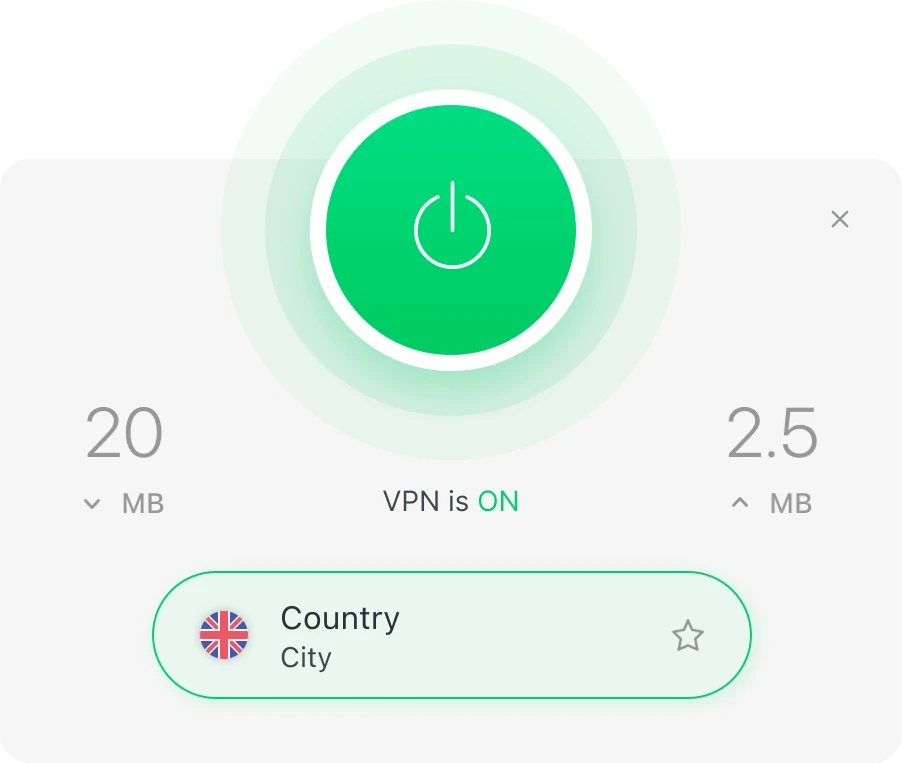
Total VPN connection status illustration
๐Ÿ”’

Encrypted VPN connection

Benefit: adds a protected tunnel for supported traffic between your device and the VPN server.

Use case: browsing on a shared Wi-Fi network.

Why it matters: network privacy is the foundation of a VPN service.

๐ŸŒ

VPN location selection

Benefit: lets you choose from currently available VPN connection locations.

Use case: choosing a connection that fits your current network needs.

Why it matters: location can affect latency and connection behavior.

Connection controls

Controls for interruptions, routing, and compatibility

01

Kill switch

Explanation: designed to limit accidental non-VPN traffic if the VPN drops unexpectedly.

Practical use: useful when maintaining the VPN tunnel matters throughout a session.

Why it matters: a dropped connection can otherwise change how traffic is routed.

02

VPN protocols

Explanation: protocols define how the VPN connection is established and transported.

Practical use: switching protocol can help troubleshoot connection or compatibility issues.

Why it matters: different networks and devices can behave differently.

03

Split tunneling

Explanation: routes selected traffic through or outside the VPN where supported.

Practical use: keep some local services outside the VPN while protecting other traffic.

Why it matters: it provides more granular routing control.

Platform context

Feature availability is not always identical

Current support material lists Total VPN apps for Windows, macOS, Android, and iOS. Split-tunneling behavior is documented differently by platform, so do not assume a control works the same way on every device.

For example, support documentation describes URL-based split tunneling on Windows and app-based split tunneling on Android. Check the current help center for the device you plan to use.

Before relying on a feature

  • Confirm your operating system is supported.
  • Check that the feature exists on that platform.
  • Update the app if the provider requires a newer version.
  • Review account or plan requirements.
  • Test the connection before using it for important work.

Features make more sense in the setup flow.

See where protocol choice, server selection, and connection checks fit into everyday VPN use.