Encrypt supported internet traffic
While active, the VPN connection is intended to encrypt traffic between the device and the VPN endpoint, reducing visibility to parties on the local network.
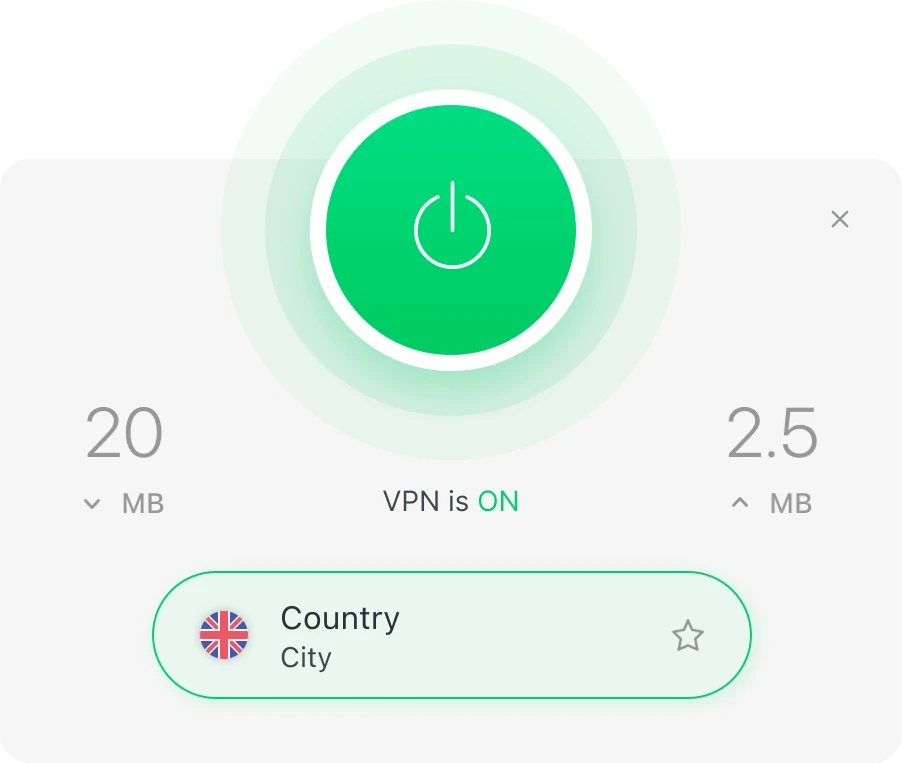
Total VPN is designed to create an encrypted VPN connection for supported internet traffic. This independent resource explains what that means in practical terms, which features are relevant, how setup generally works, and where to verify current plan information.
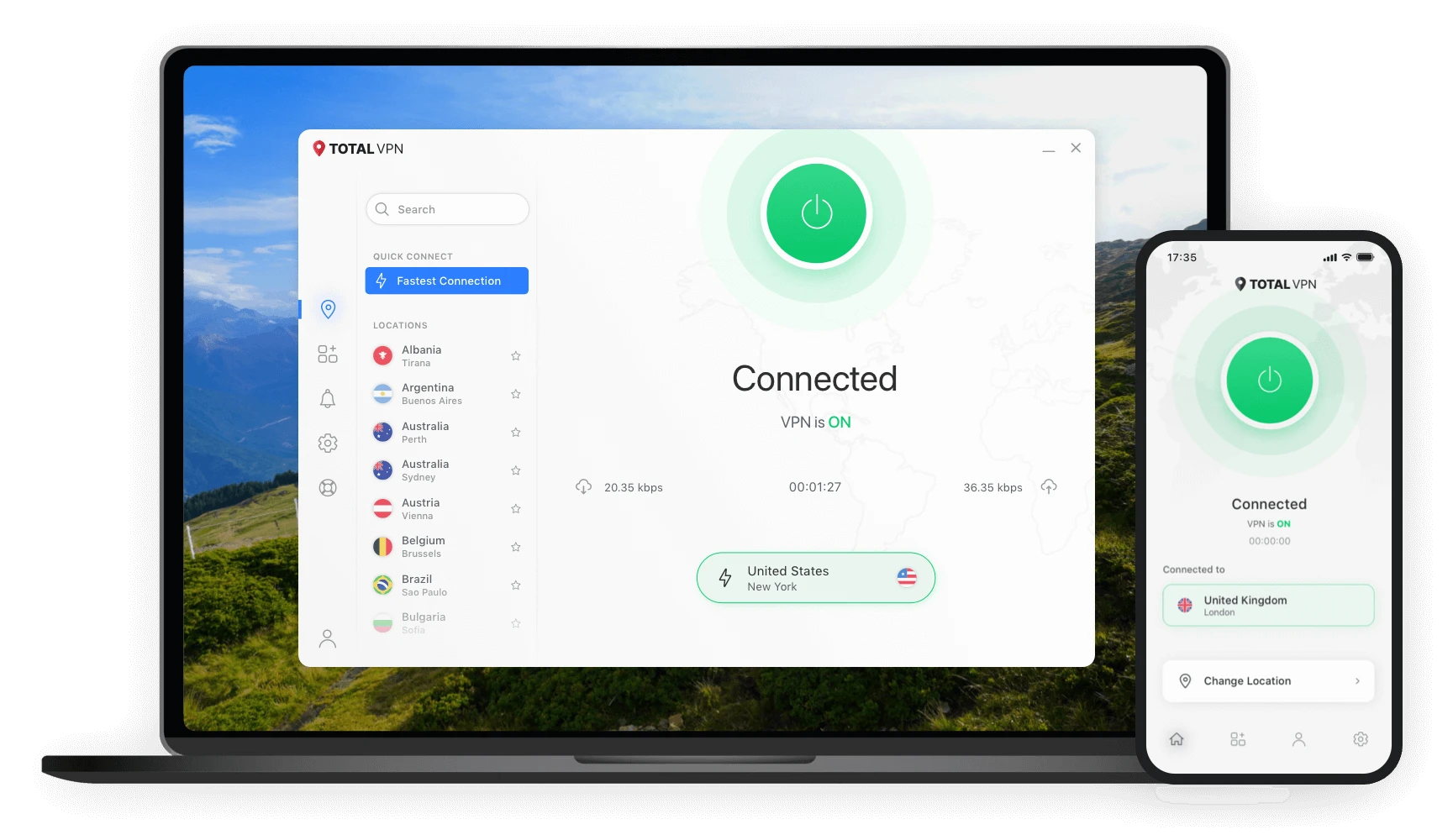
What is Total VPN? Total VPN is a VPN service for compatible desktop and mobile devices. When connected, a VPN routes supported internet traffic through an encrypted tunnel to a VPN server. This can add a privacy layer when browsing on shared or untrusted networks, but it does not make a user completely anonymous online.
Instead of treating every security feature as the same thing, it helps to separate what a VPN actually does from broader online-safety expectations.
While active, the VPN connection is intended to encrypt traffic between the device and the VPN endpoint, reducing visibility to parties on the local network.
Useful when connecting through shared networks in airports, cafés, hotels, or other public spaces.
Select an available VPN location in the app, subject to current service and platform availability.
Current support documentation describes protocol options, kill-switch settings, and split-tunneling controls on supported platforms.
Current support materials list Windows, macOS, Android, and iOS apps, with features varying by platform.
Total VPN may be relevant to people who use public Wi-Fi, work or browse while traveling, want an encrypted VPN connection at home, or prefer a simple app-based connection process.
Websites can still identify you through accounts, cookies, browser fingerprinting, and information you submit. A VPN also does not replace safe passwords, device updates, phishing awareness, or antivirus protection where those controls are needed.
Review current plan terms and access the appropriate app or account path.
Install the compatible Total VPN app and use your account credentials.
Select an available location or supported connection option in the app.
Turn the VPN on and confirm that the app reports an active VPN connection.
Features such as a kill switch, VPN protocols, or split tunneling serve different purposes. Their availability and implementation can differ across operating systems.
Designed to reduce accidental traffic exposure if a VPN connection unexpectedly drops, where supported and enabled.
Different protocols can affect connection behavior, performance, and compatibility. Current support materials list multiple protocol options.
Allows selected traffic to use or bypass the VPN on supported platforms. Configuration differs by operating system.
| Criteria | Why it matters | What to verify |
|---|---|---|
| Device support | You need an app that works on the devices you actually use. | Current operating-system and version requirements. |
| Privacy controls | Features such as kill switch or split tunneling affect day-to-day use. | Whether each feature exists on your platform. |
| Protocols | Protocol options can help with compatibility and troubleshooting. | Current protocol support in the app. |
| Plan terms | Pricing, renewals, and eligibility can change. | Live offer details before purchasing. |
This site does not hard-code a price because promotions, plan structures, and renewal terms can change. Confirm the current offer directly on the destination page.
Total VPN is a virtual private network service that creates an encrypted connection for supported internet traffic on compatible devices.
The app connects a compatible device to a VPN server and routes supported traffic through an encrypted tunnel while the VPN connection is active.
It may suit users who want a straightforward VPN for privacy on home, mobile, travel, or shared networks and who use supported devices.
Use a current-offer or view-plans link and confirm live prices, plan terms, renewal details, eligibility, and availability on the destination website.
Understand the encrypted tunnel concept, what it protects, and where its limits begin.
Read guide →A practical checklist for airports, hotels, cafés, and other shared networks.
Read guide →How to approach account access and download searches without relying on unofficial files.
Read guide →Check live plan details, eligibility, current pricing, and availability on the destination website before making a purchase decision.